
Your phone runs your entire day. Navigation, scanning, manifest, delivery photos, customer calls, route optimisation, music — it never stops working. And a phone running GPS, camera, and data all day drains a battery faster than any normal use case. When your phone dies mid-run, your day grinds to a halt. You can't scan, you can't navigate, and you can't take proof-of-delivery photos. Keeping your phone charged is as important as keeping fuel in the van.
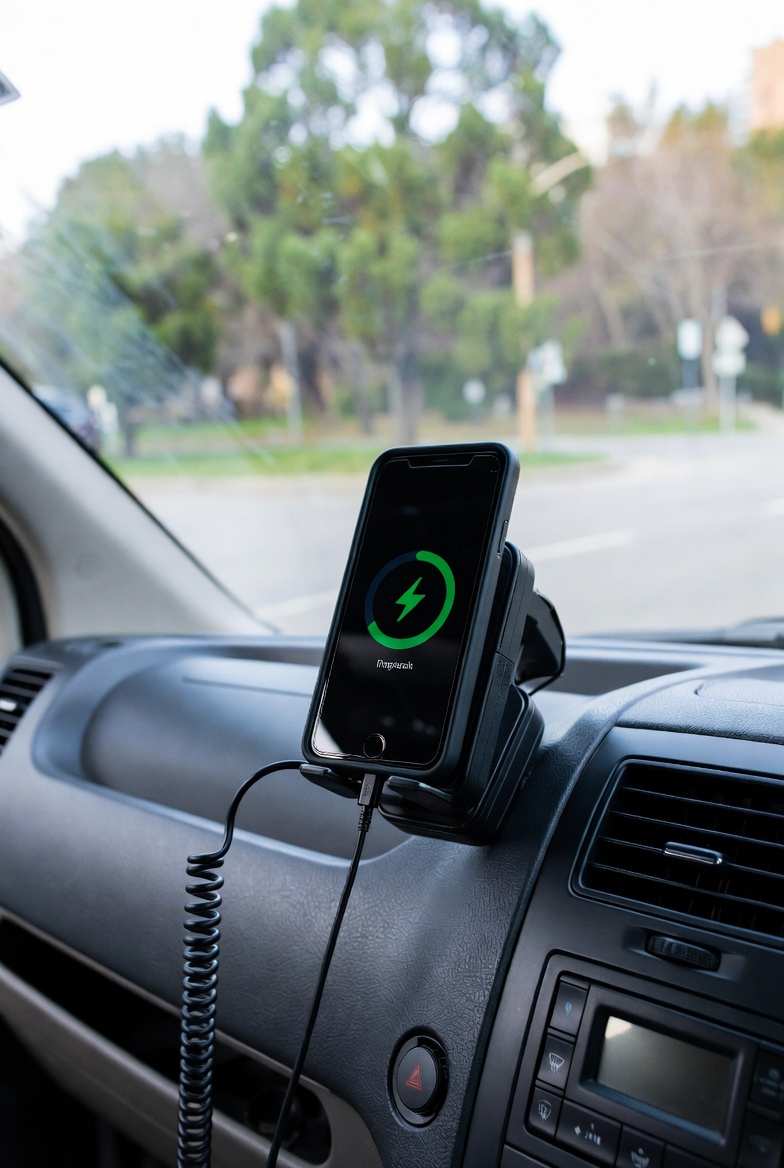
In-Van Charging Setup
Get a proper car charger. Not a $5 servo special — a quality dual-port USB charger that supports fast charging (PD or Quick Charge). Brands like Anker, Belkin, and Baseus make reliable options. Look for at least 30W output on the primary port. According to CHOICE phone and accessory reviews, investing in quality charging accessories pays off in reliability and charging speed.
Use the right cable. A cheap cable that only supports slow charging will barely keep up with GPS and screen-on drain. Use a cable rated for fast charging — USB-C to USB-C for modern phones. Replace cables every few months as they degrade with the constant plugging and unplugging.
Magnetic mount charger: A MagSafe-compatible (iPhone) or Qi magnetic mount gives you wireless charging while the phone is mounted for navigation. It's slower than wired charging but it keeps the battery topped up throughout the day without fumbling with cables at every stop.
Power Bank Backup
Always carry a power bank as backup. A 20,000mAh bank will fully charge most phones 3–4 times. Keep it charged overnight and throw it in your bag every morning. If your van charger fails, your cigarette lighter fuse blows, or you need to charge away from the van, the power bank keeps you going.
Anker PowerCore and Baseus power banks are popular with drivers for their reliability and fast charging support. Expect to pay $40–$80 for a good one. It's a small investment to avoid a dead phone and a ruined day.
Battery Management Tips
Screen brightness: GPS navigation with screen on at full brightness is the single biggest battery drain. Reduce brightness to 50–60% — you can still see the screen in most conditions, and you'll save significant battery.
Close background apps: Social media, email, and other apps running in the background drain battery. Close everything except what you need for work.
Battery health: Phones that are 2+ years old have degraded batteries. If your phone dies by lunchtime despite being charged, the battery health may be below 80%. Check in your phone settings — if it's low, a battery replacement ($80–$150) is cheaper than a new phone and gives you another year or two.
Heat kills batteries: A phone in a hot van, in direct sunlight, charging simultaneously — that's the perfect storm for battery degradation. Mount your phone where it gets airflow, not on the dash in direct sun. Heat reduces both short-term battery life and long-term battery health.